Most iPhone tools stop at Mac and Windows. iMazing's own FAQ calls it "an app for macOS and Windows", and its tech specs list no Linux version. If Linux is the computer you use, that leaves you looking for something else.
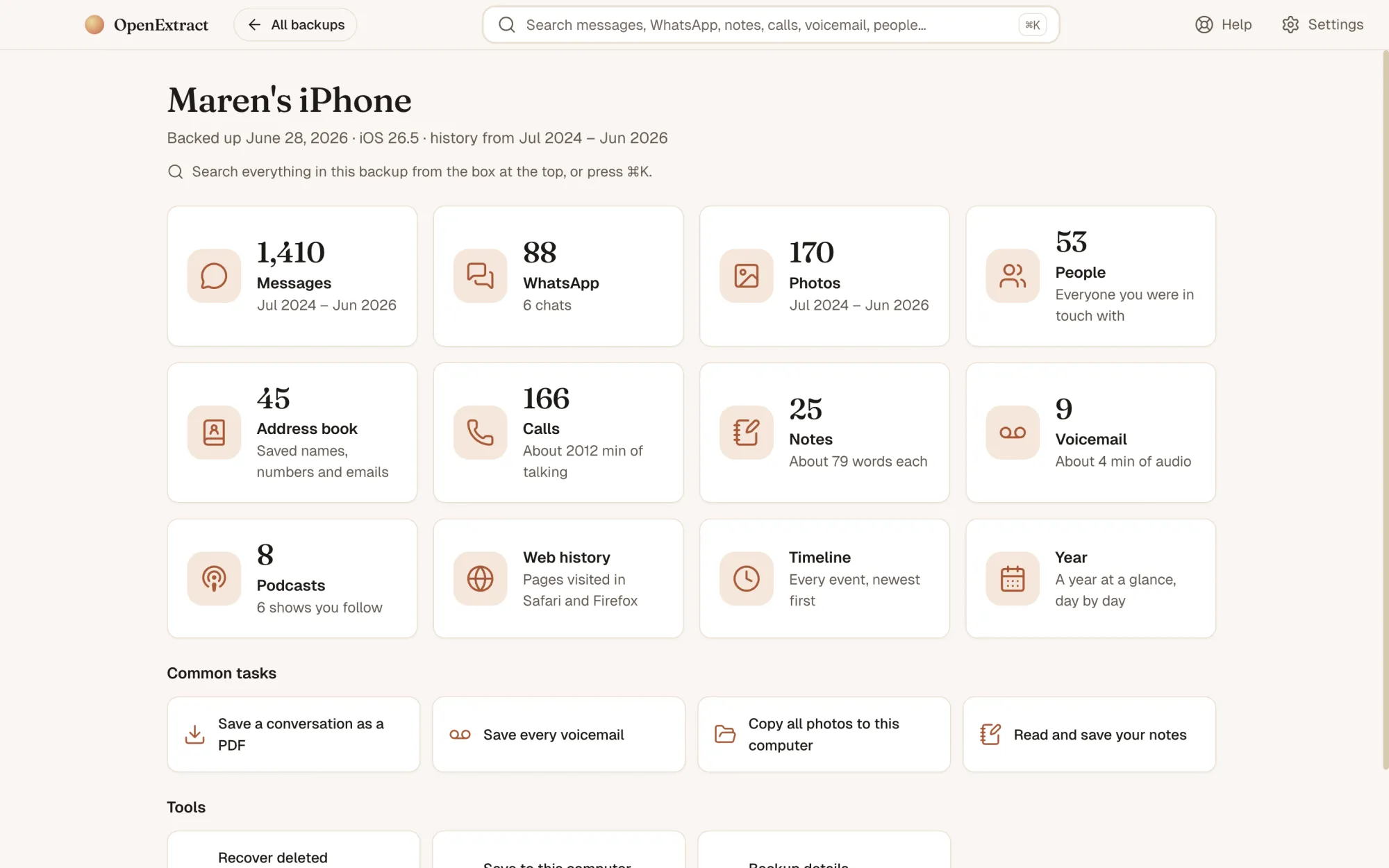
OpenExtract builds for Linux with every release. It's the same app as on Mac and Windows, with the same screens and exports, and the parsing engine's tests run on Linux, macOS and Windows on every change.
Install it
There are two Linux downloads. Both are for 64-bit Intel and AMD computers (x86-64); there's no ARM build for Linux yet.
Ubuntu, Debian, Linux Mint, Pop!_OS: download the .deb and open it, or install it from a terminal. Then start OpenExtract from your app menu. It's built on Ubuntu 22.04, so it runs on Ubuntu 22.04 and later and on Debian 12 and later.
sudo apt install ./openextract_*_amd64.debOther distributions: download the AppImage and make it executable. AppImages need FUSE 2, which recent Ubuntu releases no longer install by default. If it fails with dlopen(): error loading libfuse.so.2, install FUSE 2 (libfuse2t64 on Ubuntu 24.04 and later, libfuse2 on Ubuntu 22.04 and Debian, fuse-libs on Fedora, fuse2 on Arch), or run it without FUSE:
chmod +x OpenExtract-*.AppImage
./OpenExtract-*.AppImage --appimage-extract-and-run
Where your backup comes from
Linux has no Finder or iTunes, so the backup usually starts somewhere else. Any of these work:
- Copied from a Mac or Windows PC. Backups live in
~/Library/Application Support/MobileSync/Backupon a Mac and%APPDATA%\Apple Computer\MobileSync\Backupwith iTunes on Windows. Copy the folder for the device (its name is a long string of letters and numbers). - On an external drive. Plug it in and open the backup folder from there.
- Made on Linux. The
idevicebackup2tool from libimobiledevice creates backups of an iPhone connected by USB. On Ubuntu and Debian it's in thelibimobiledevice-utilspackage.
OpenExtract looks in ~/MobileSync/Backup on its own. For a backup anywhere else, choose its folder, or the folder above it. Any folder with a Manifest.db in it works.