These are real screens from OpenExtract, opened on a sample backup. Maren isn't a real person: her messages, contacts and notes were written for testing, and her photos are public domain. Click any screen to see it full size.
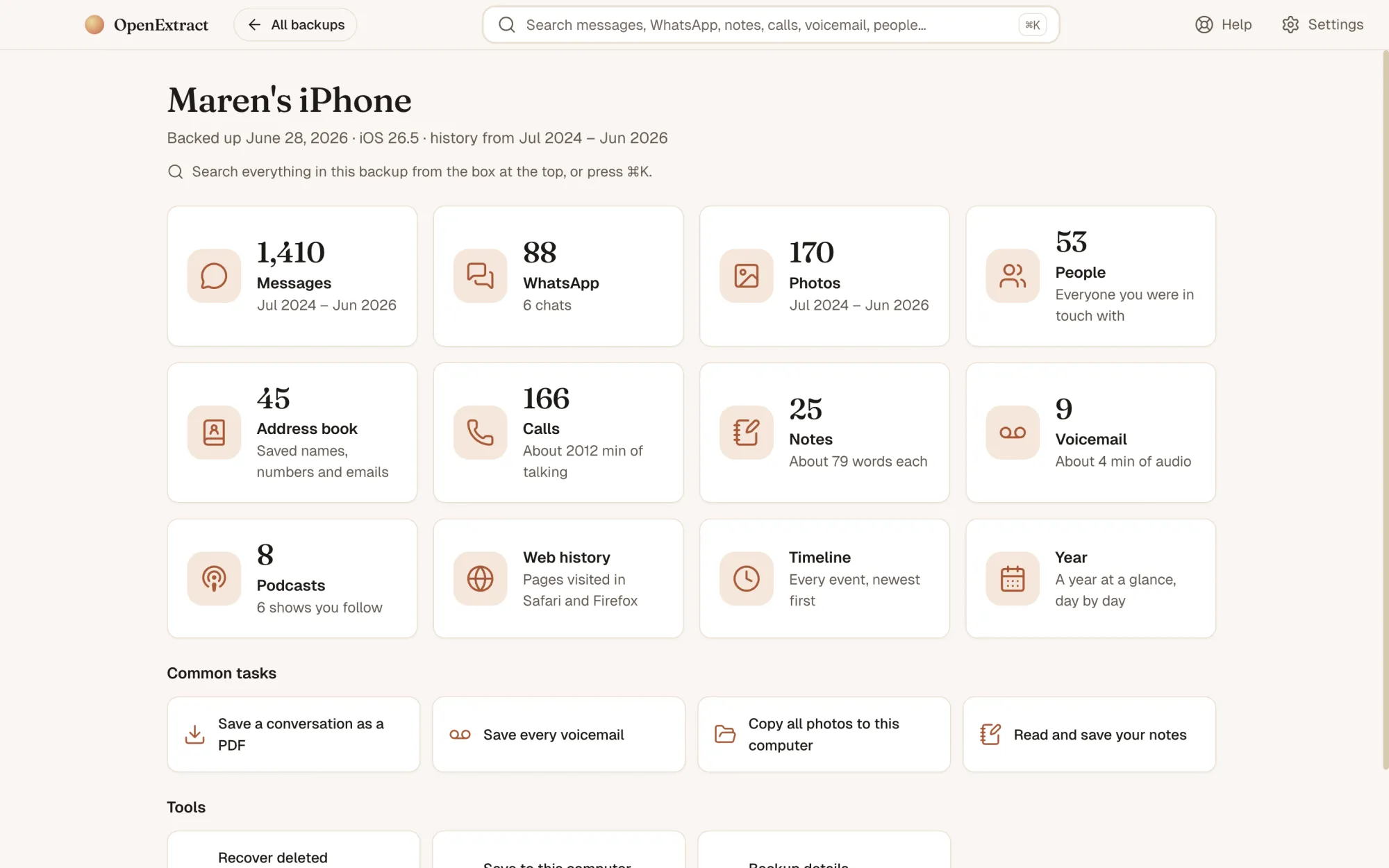
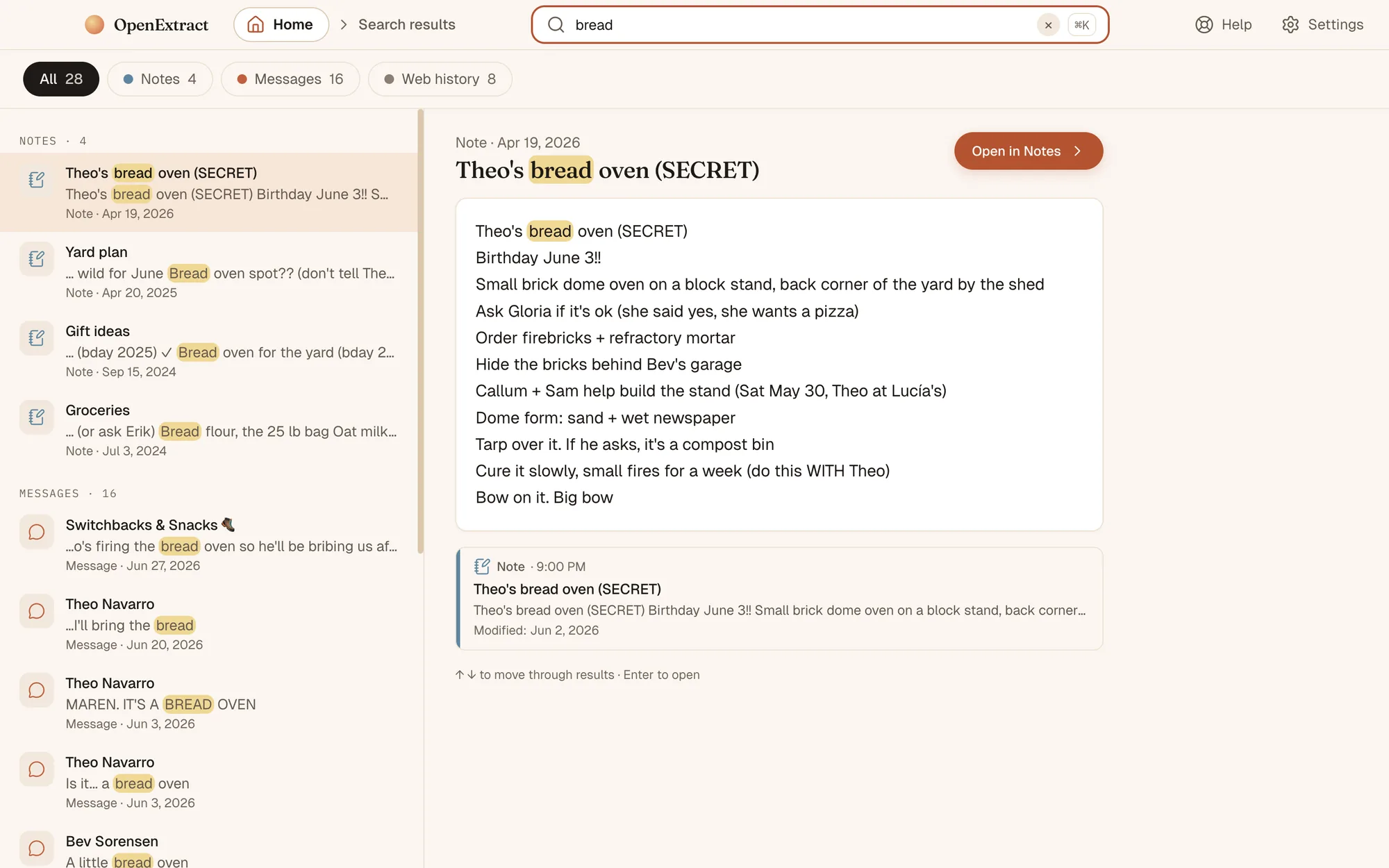
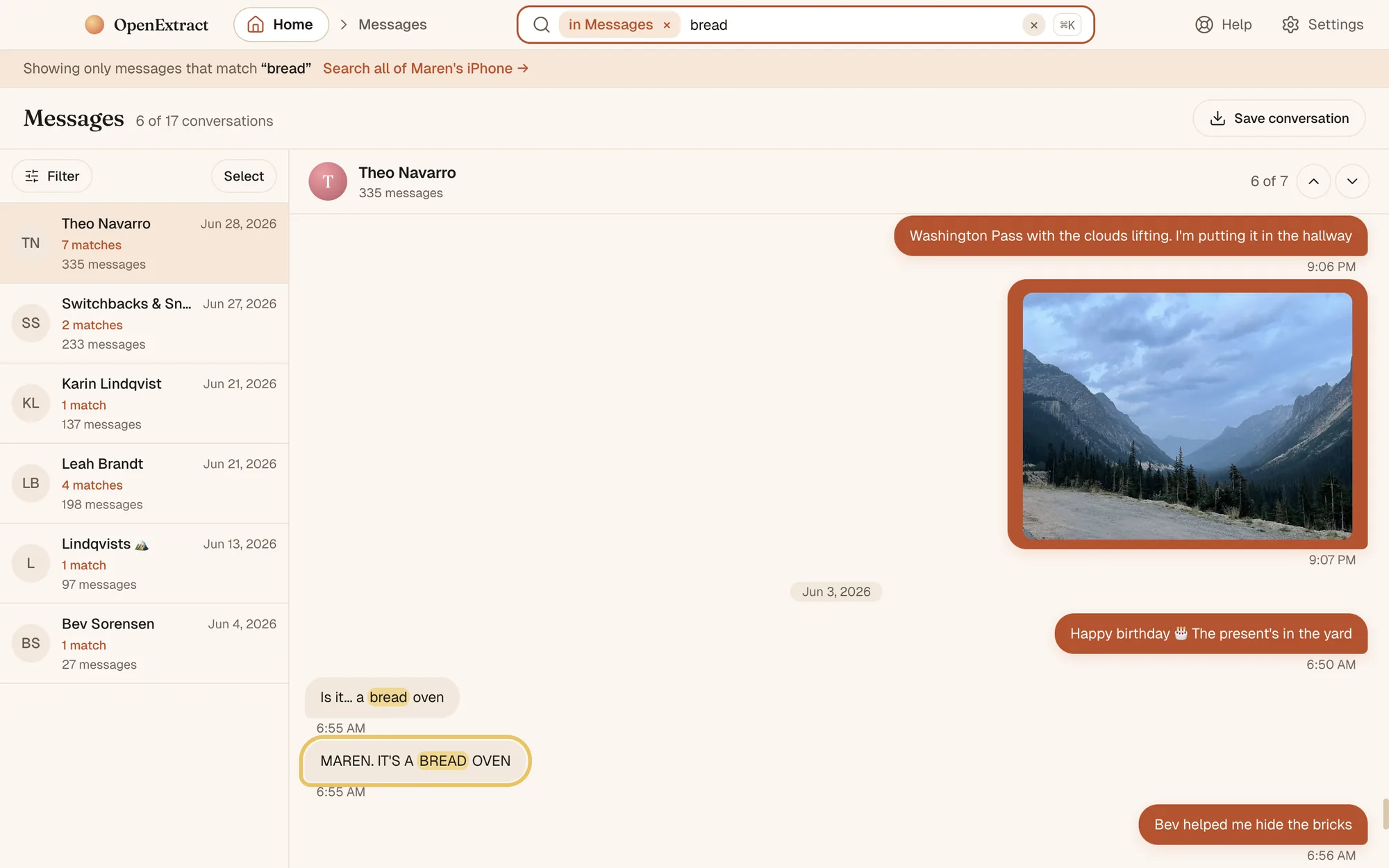
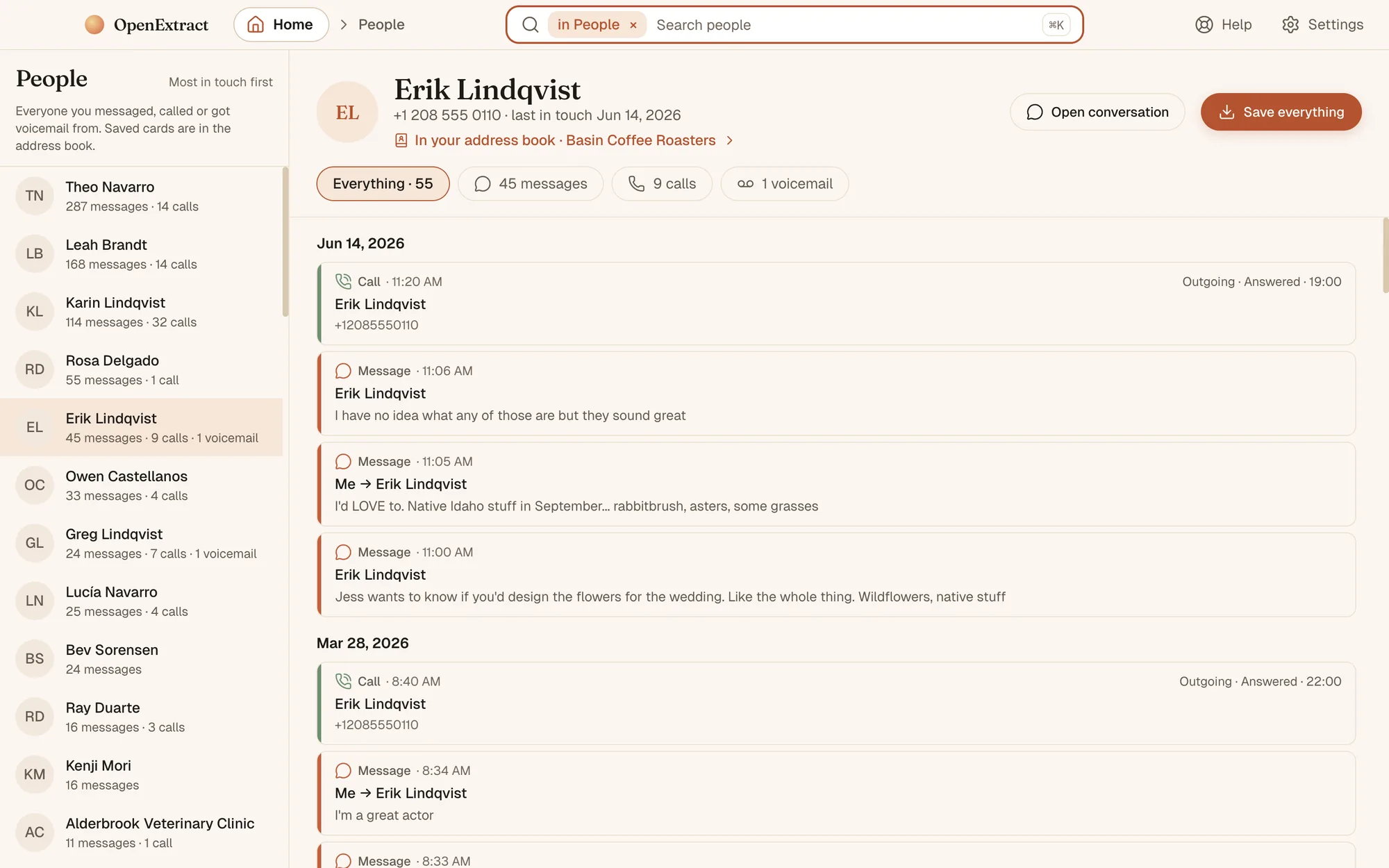
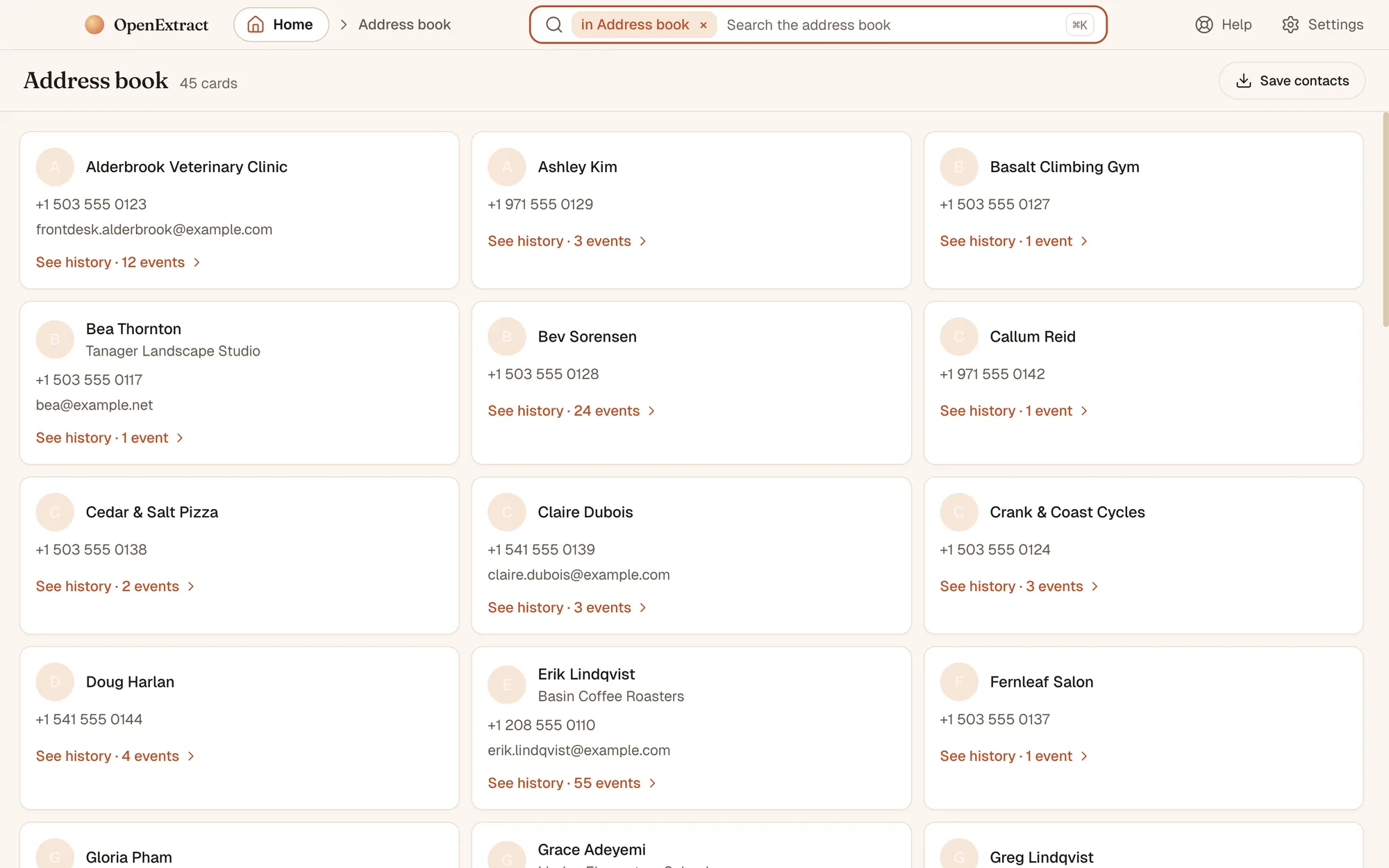
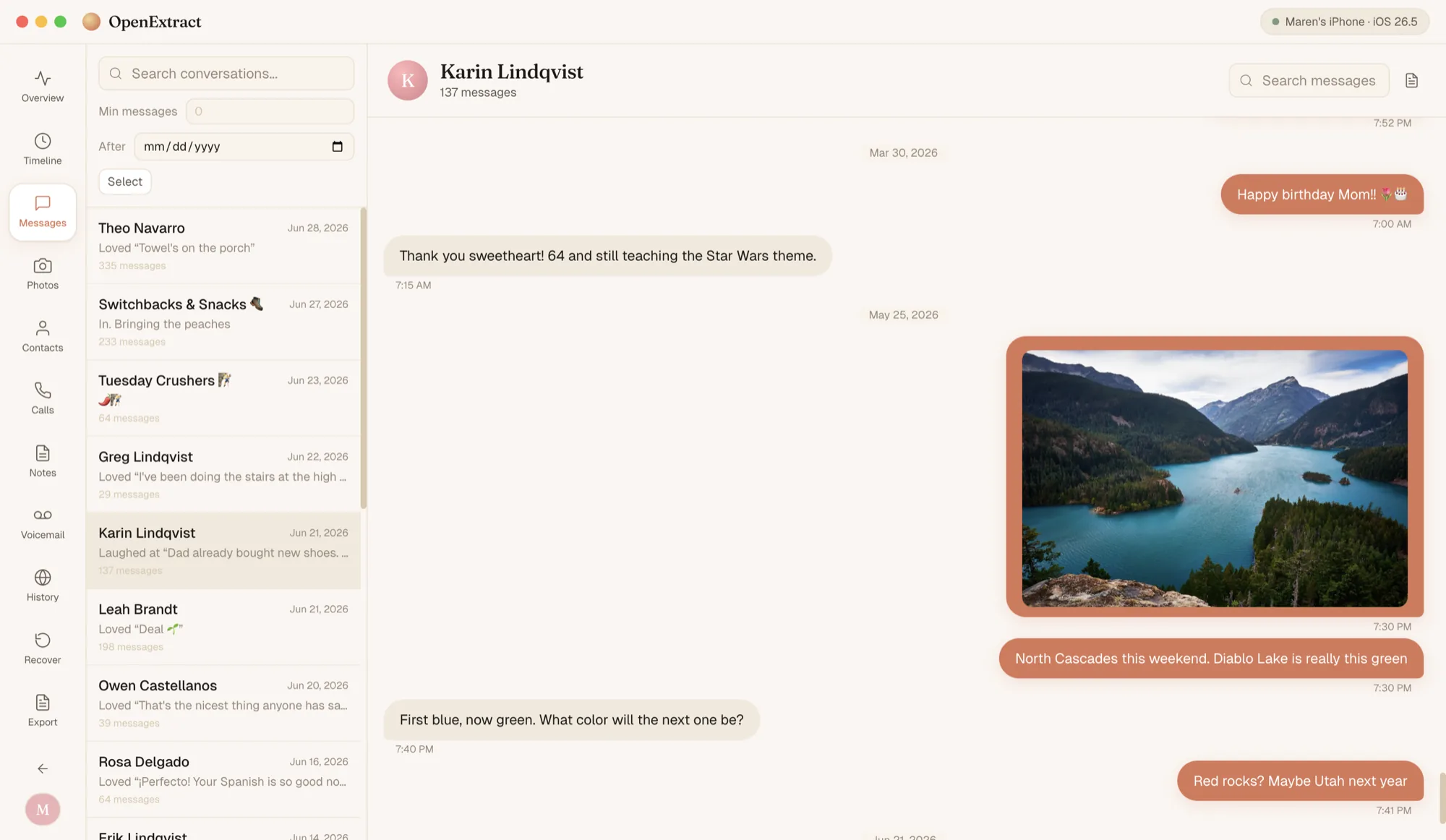
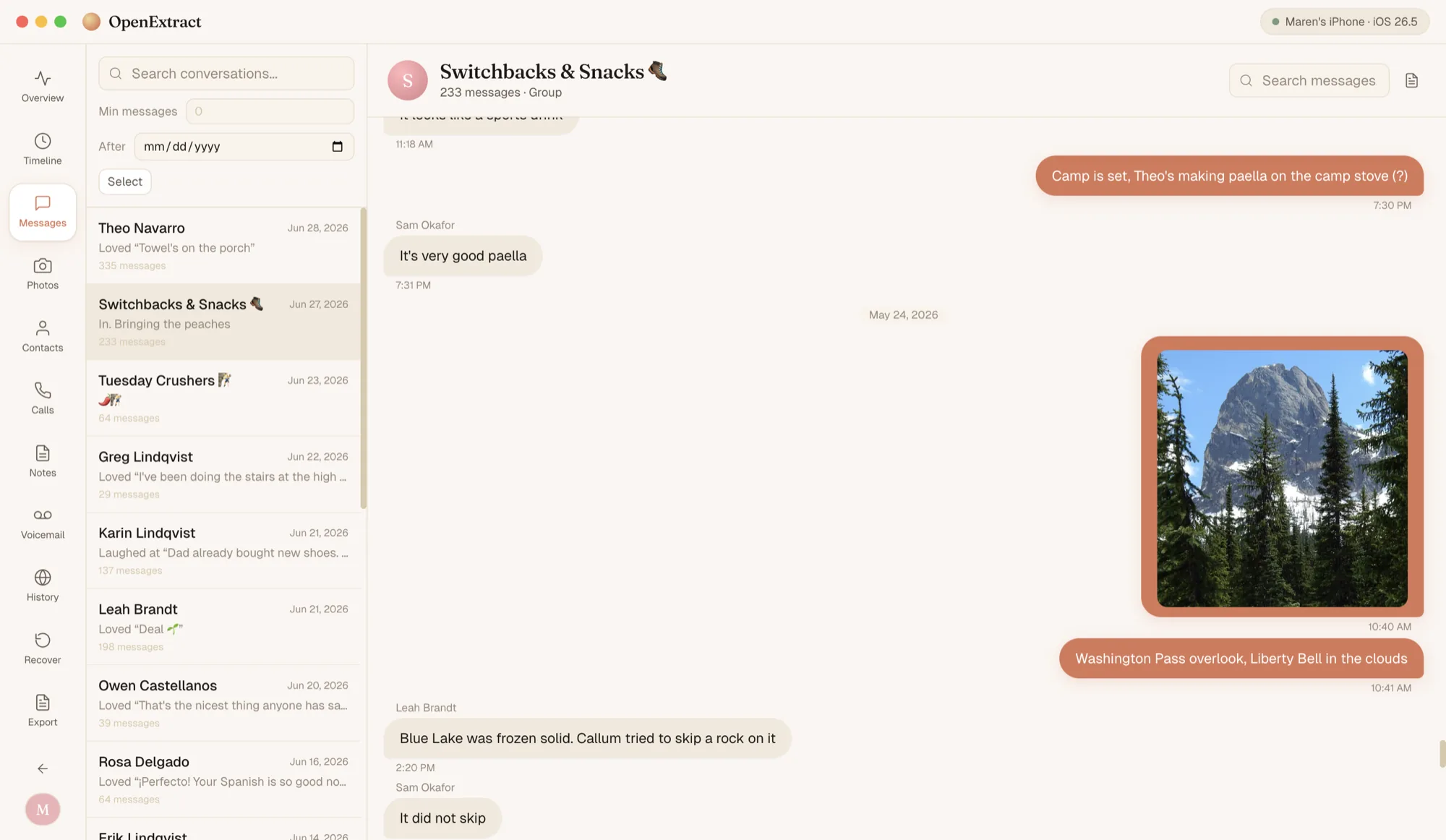
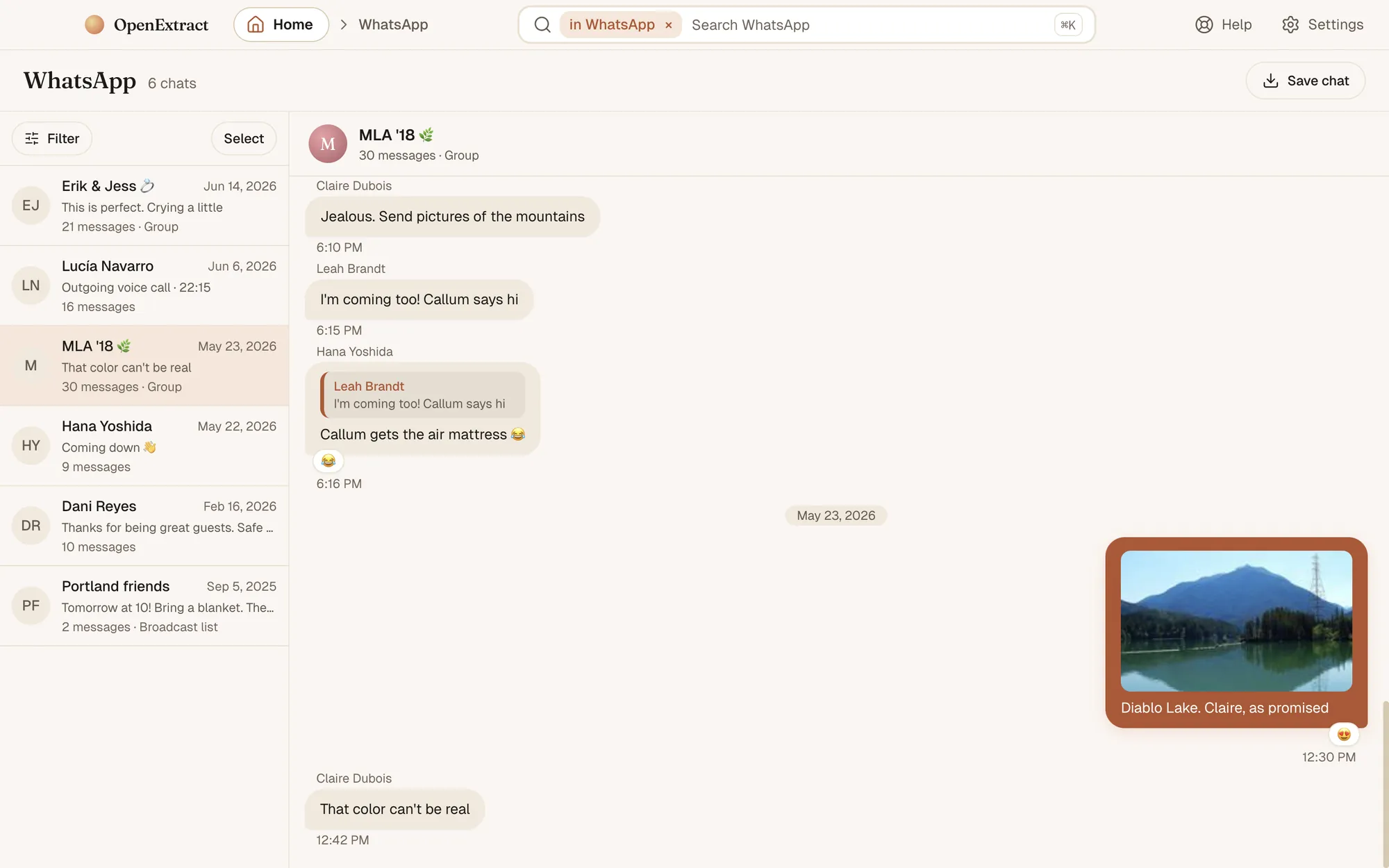
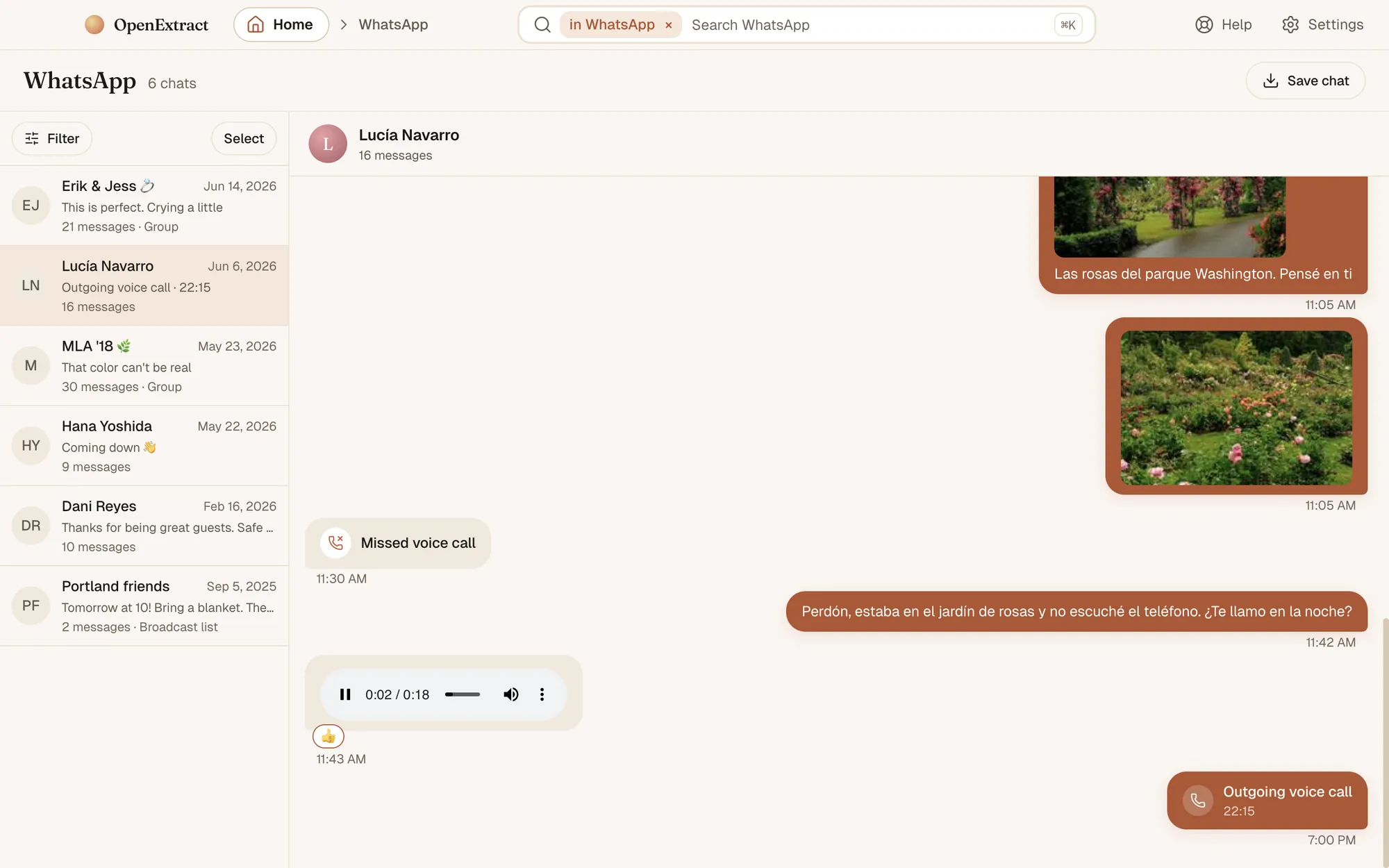
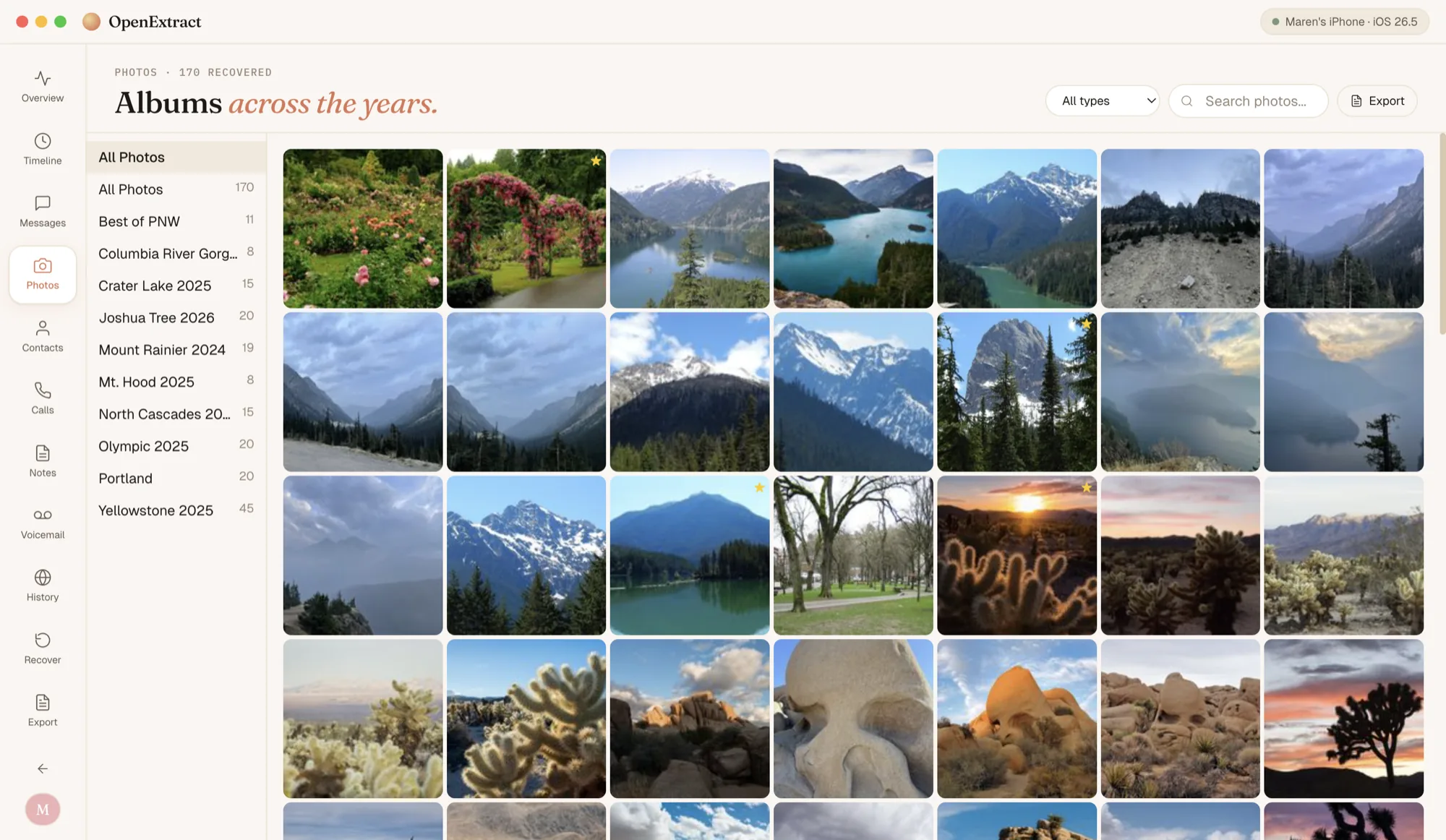
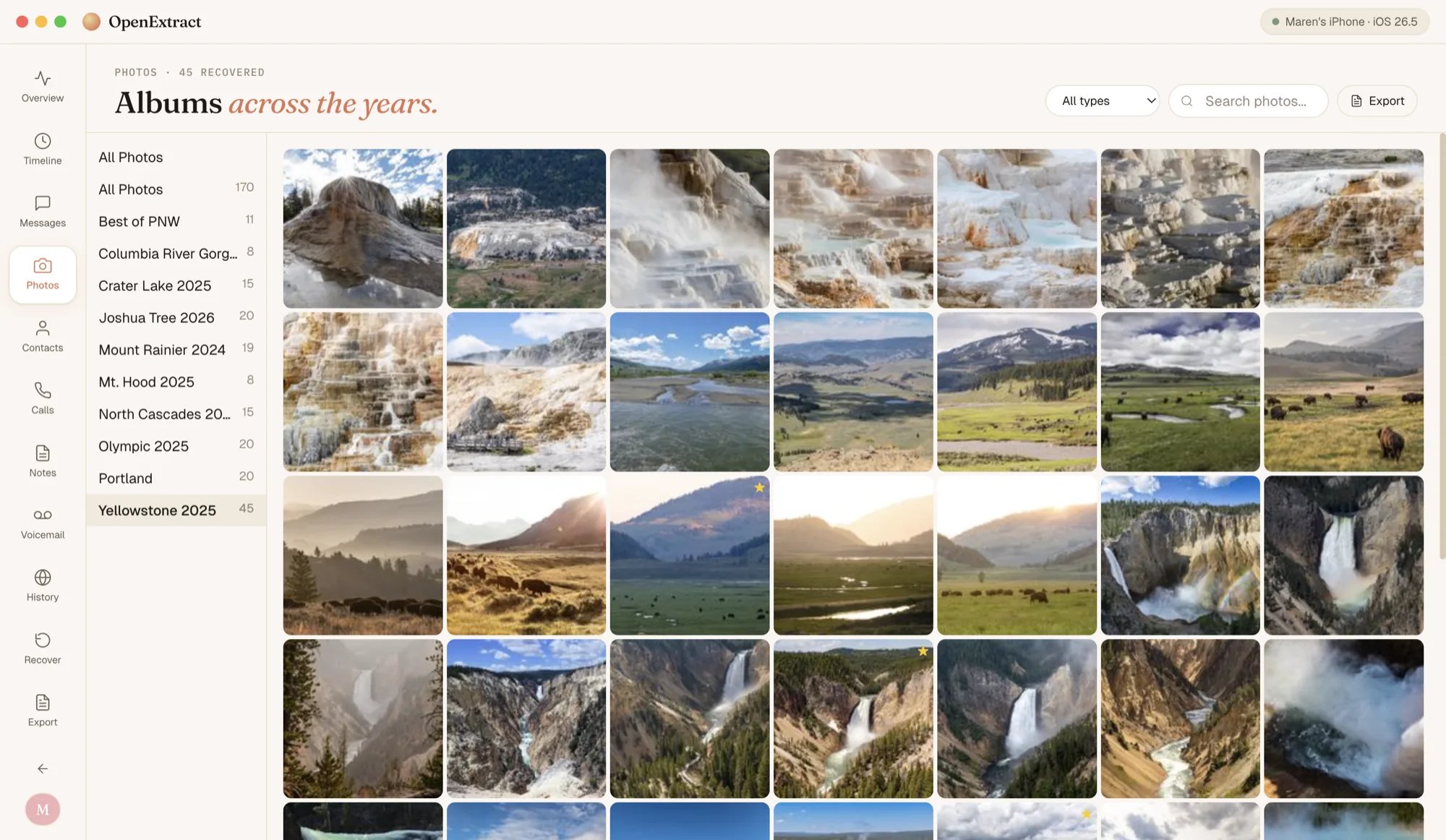
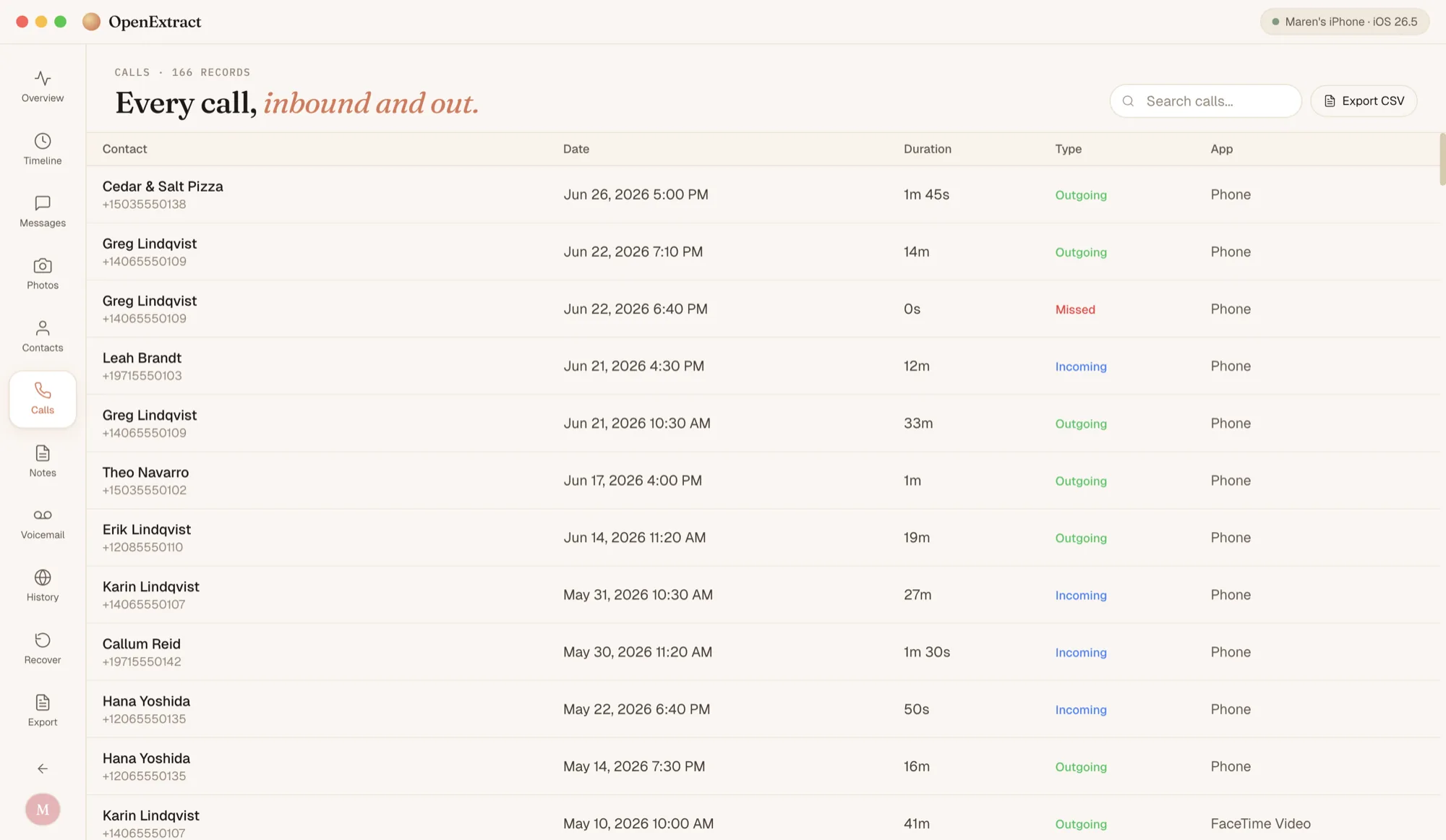
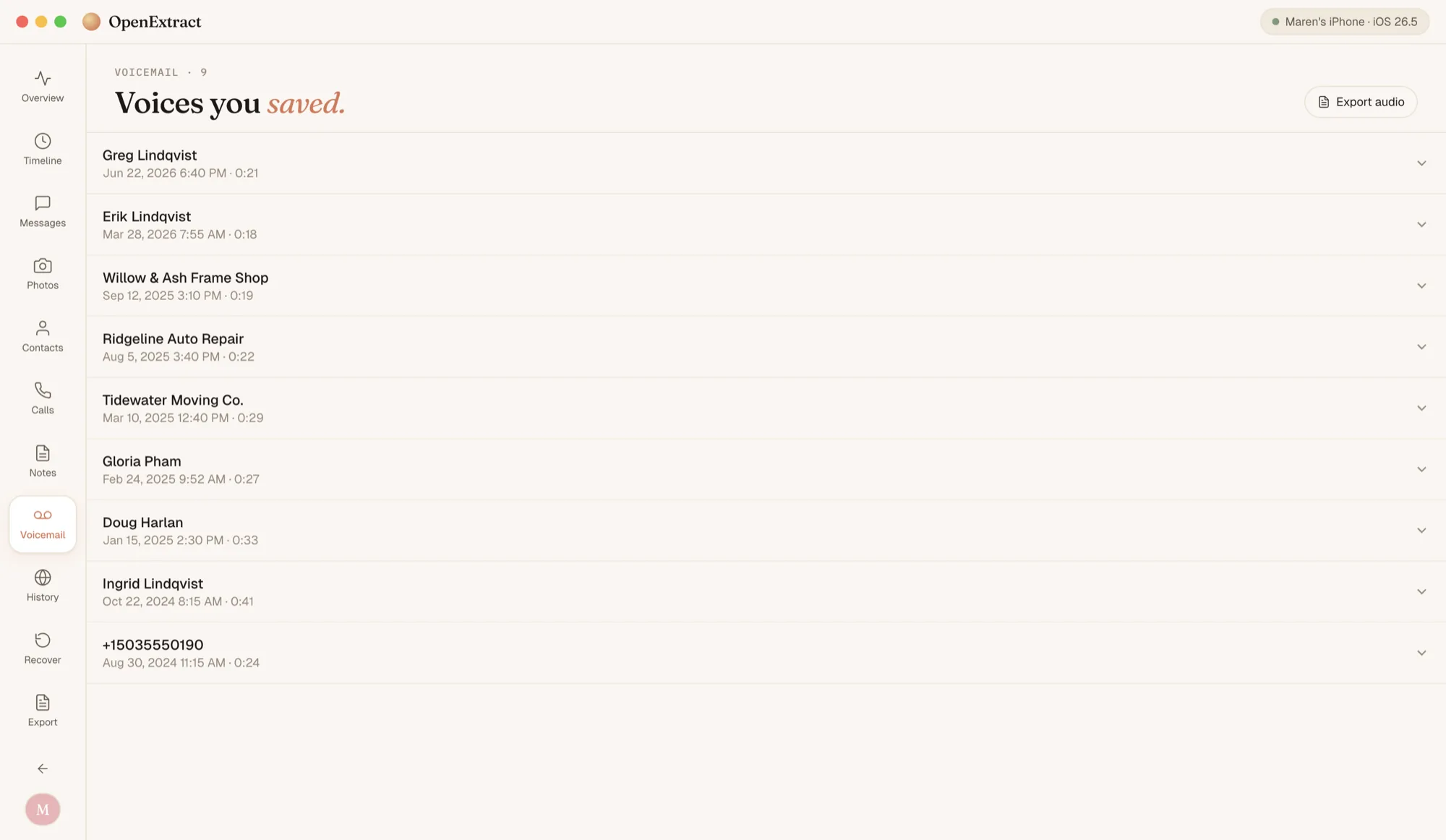
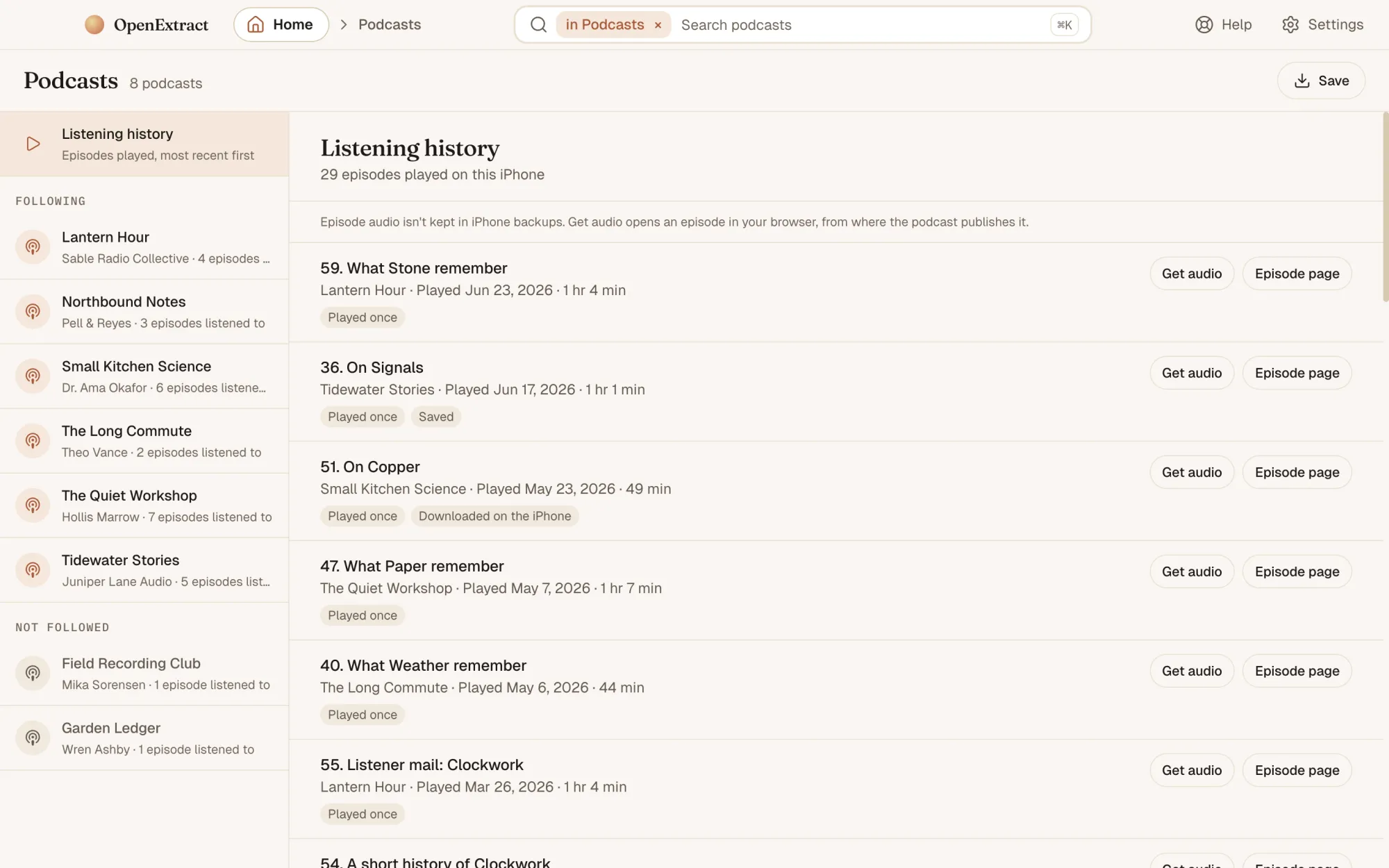
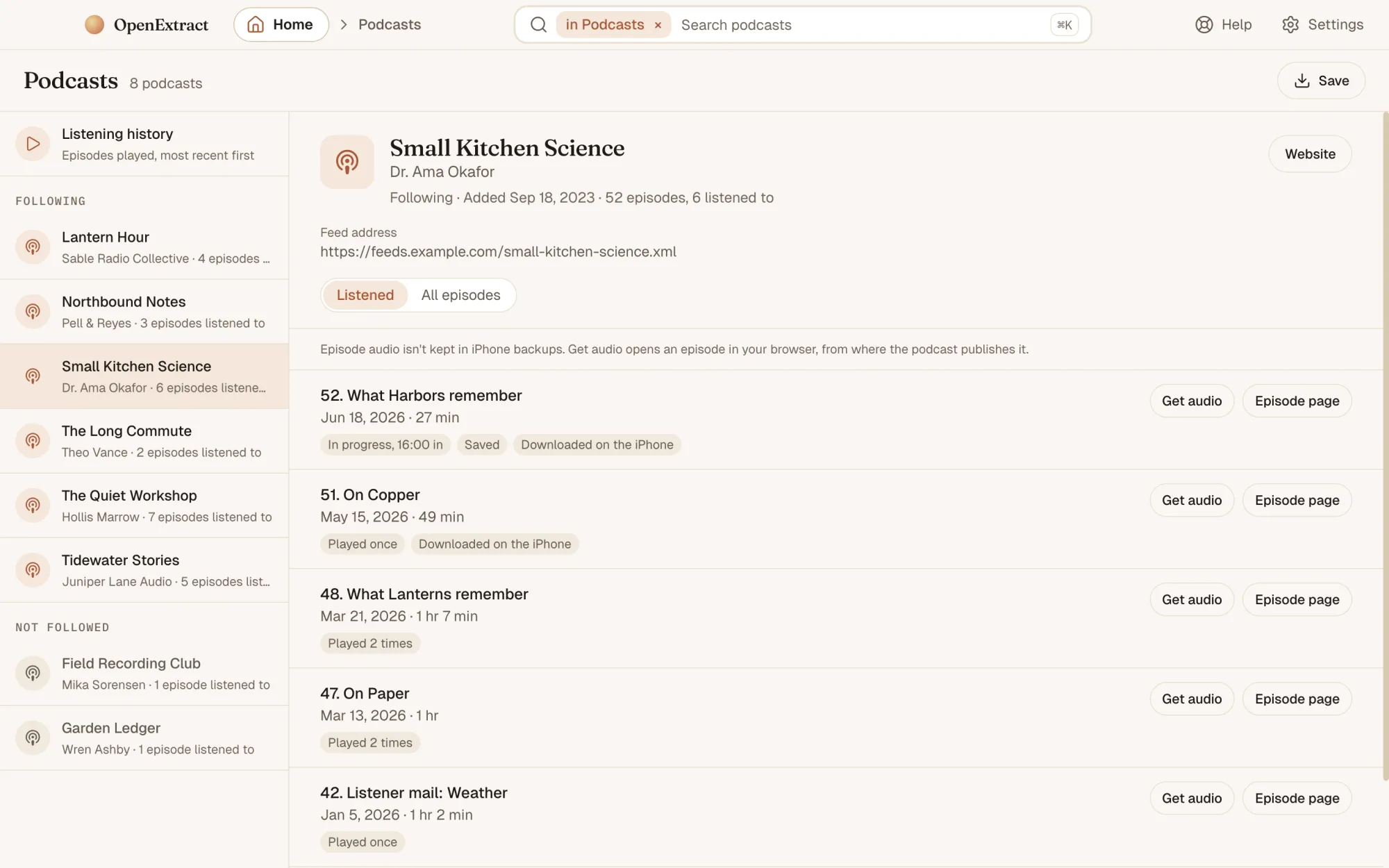
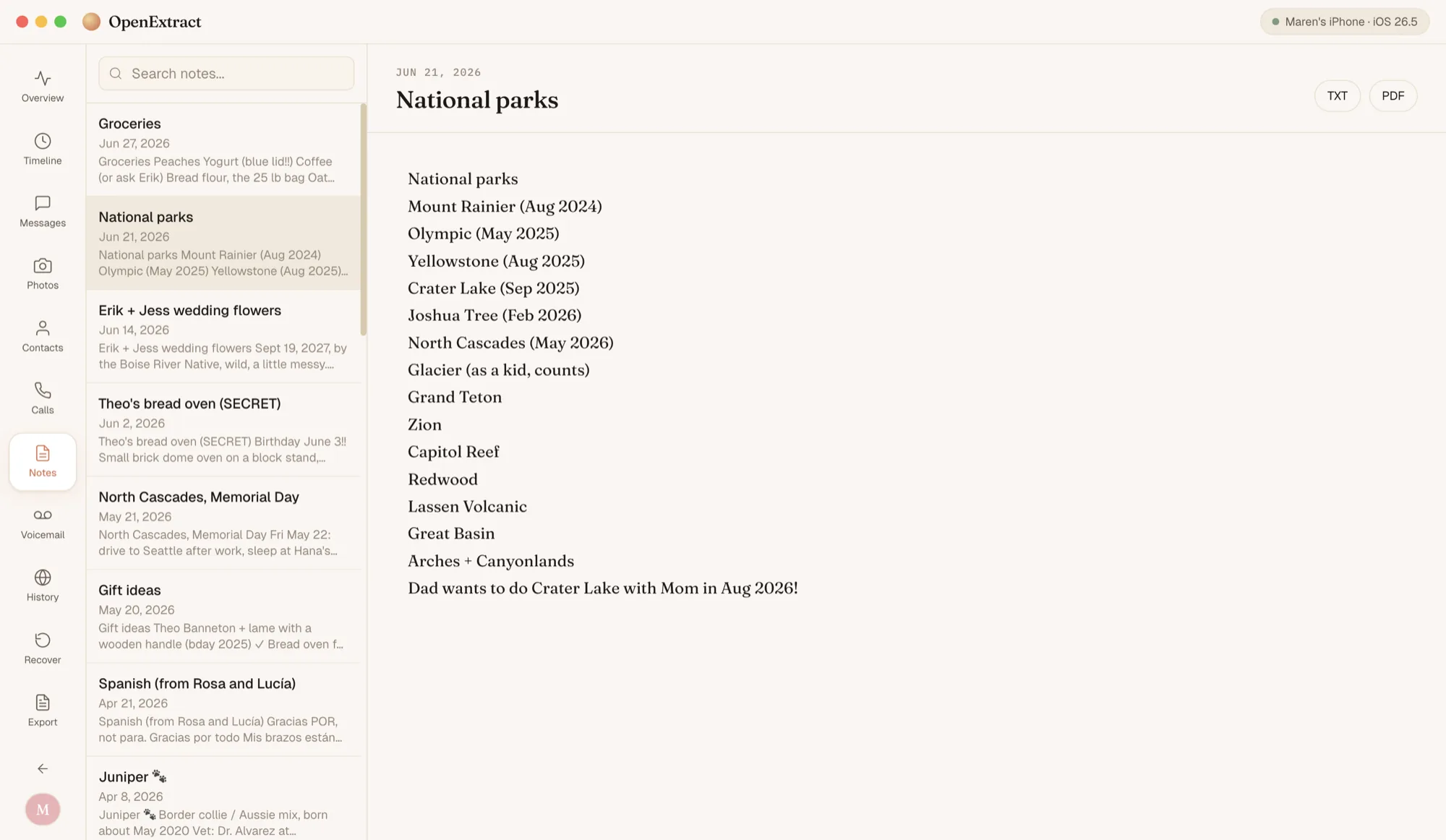
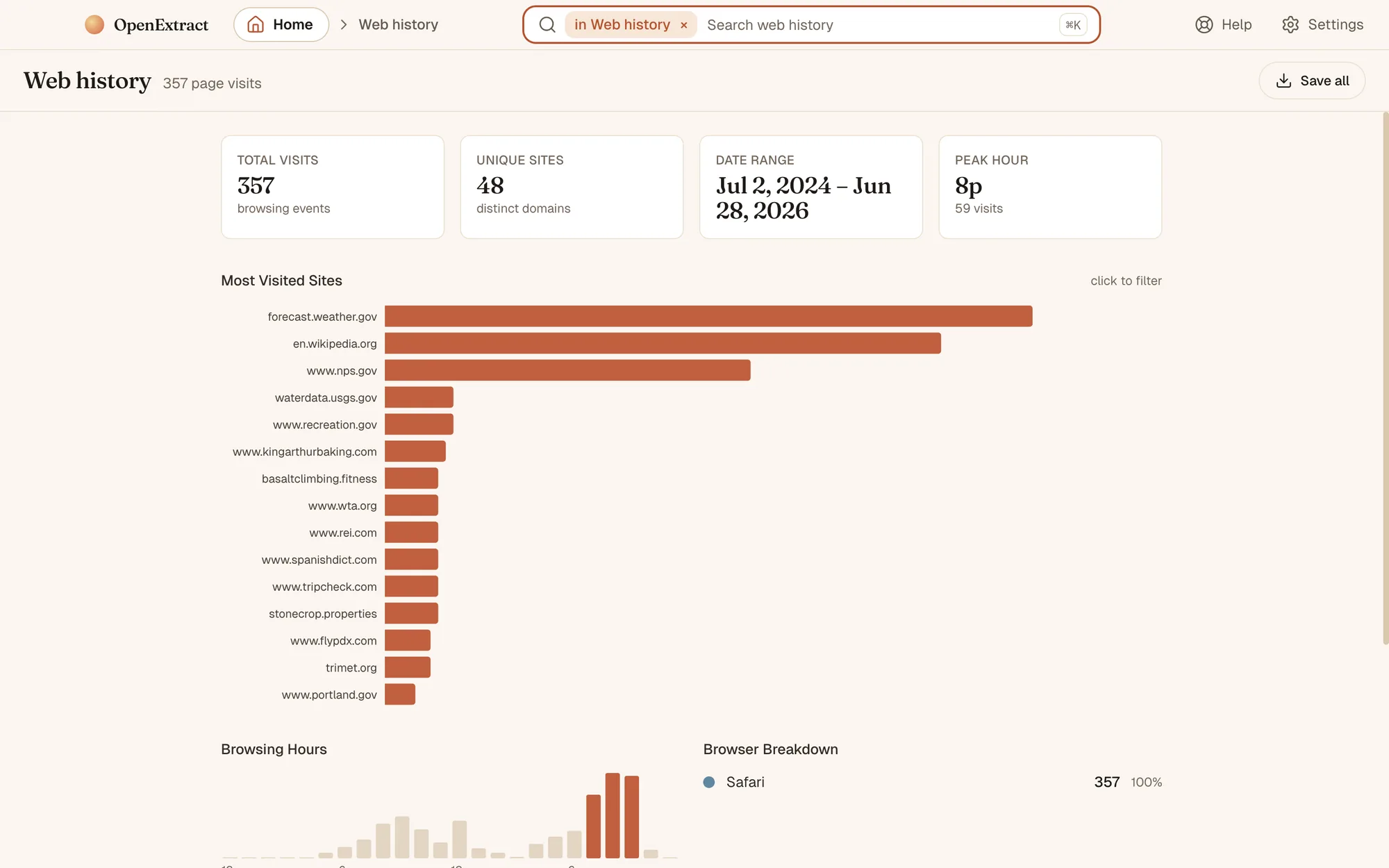
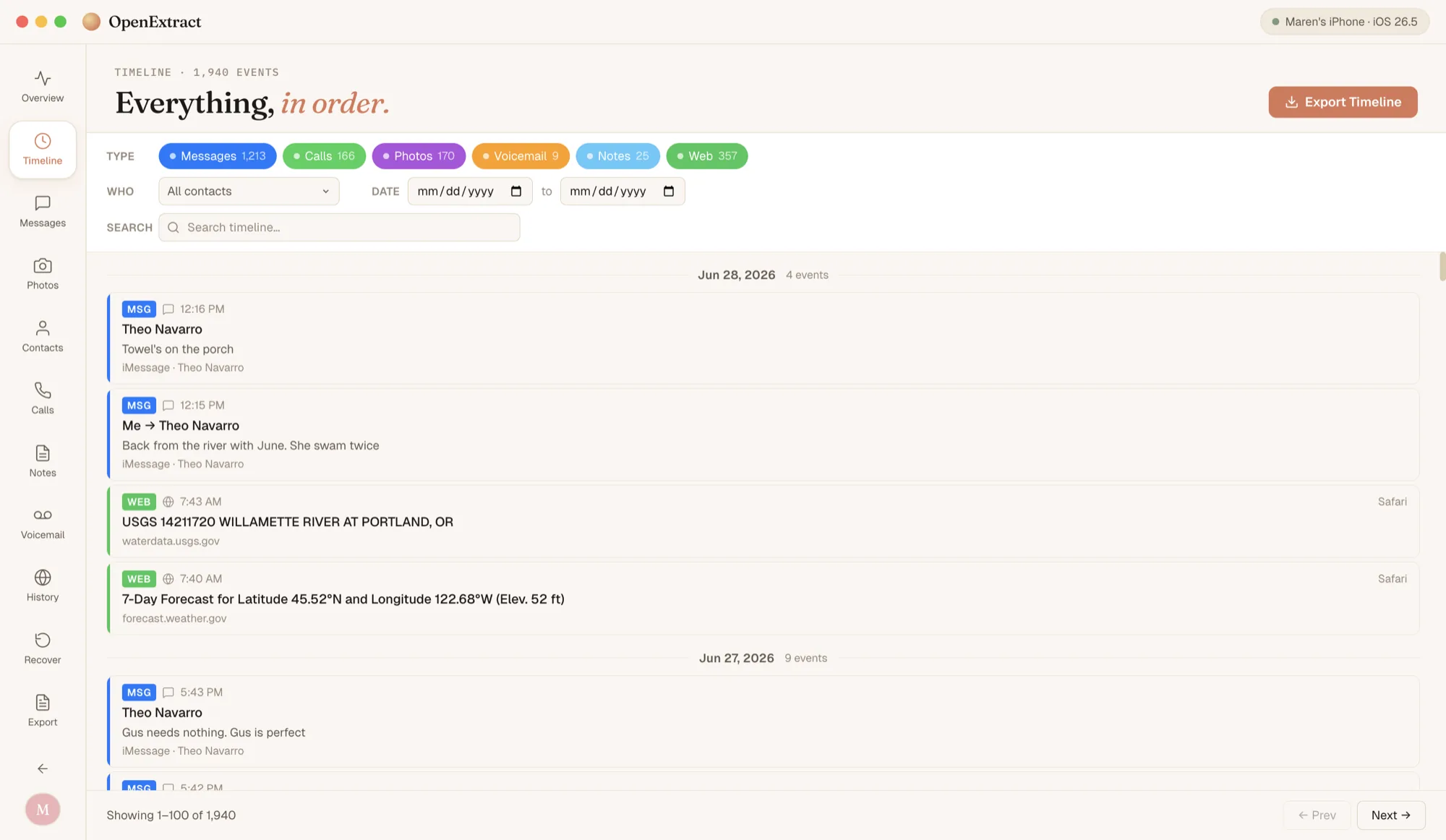
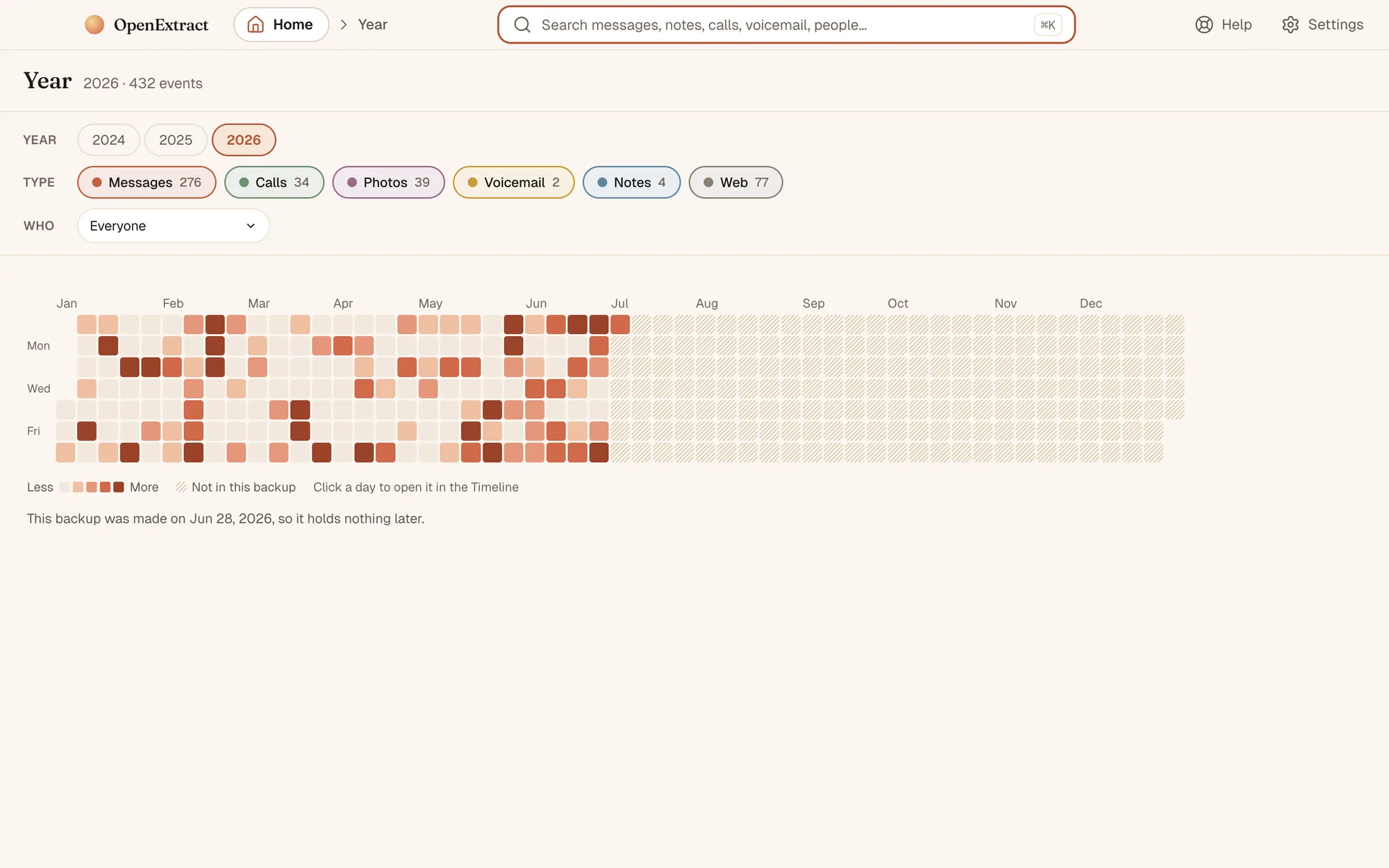
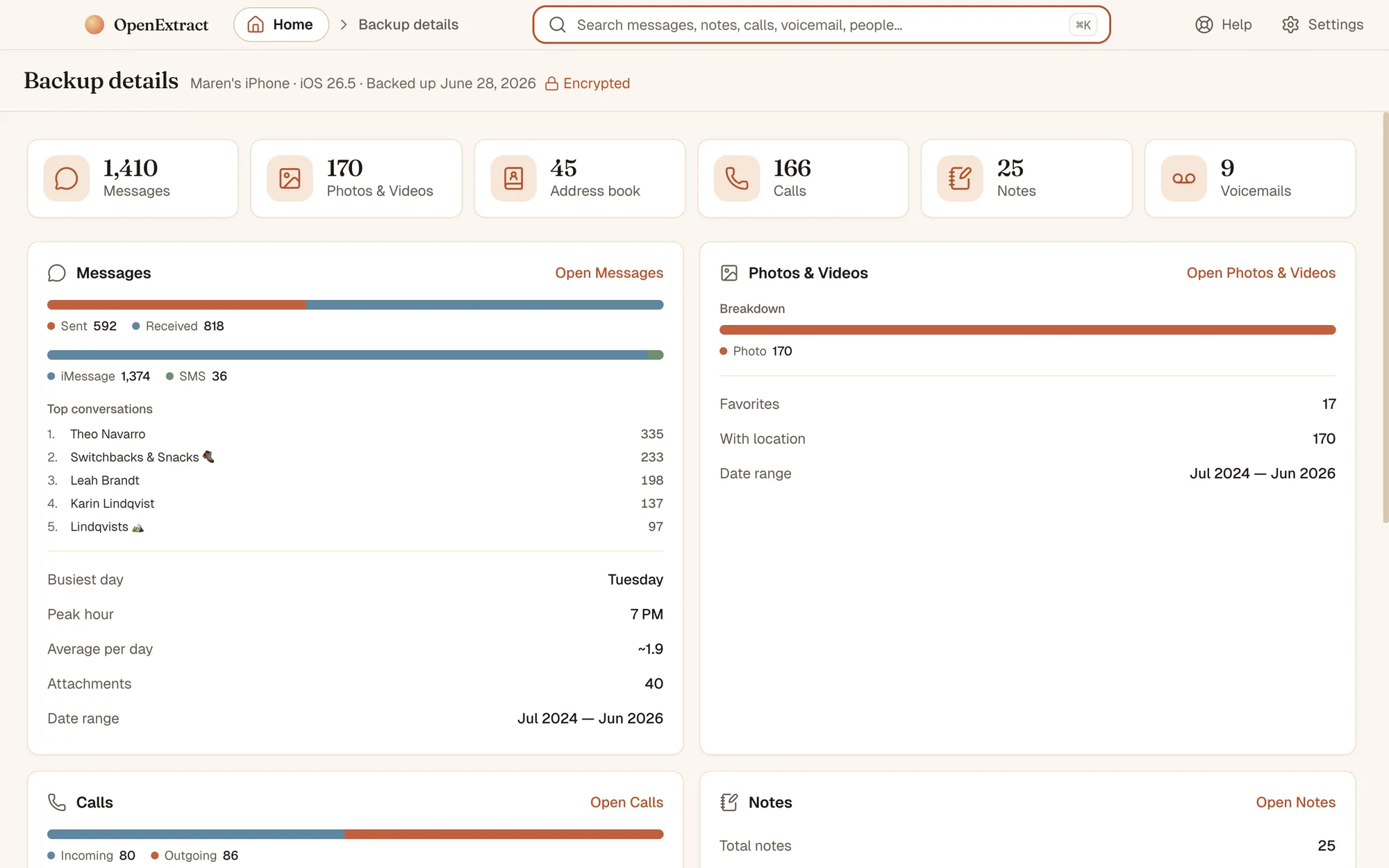
HomeEverything in the backup on one page, most of it with a count. The box at the top searches all of it.SearchOne box searches messages, WhatsApp, notes, calls, voicemail, people and web history at once. Pick a result to preview it.Straight to the messageA result opens the conversation at that exact message. Step through the other matches with the arrows.PeopleEveryone you were in touch with, most in touch first. Open a person to see your messages, calls and voicemails with them together.Address bookThe saved contact cards, each linked to its history. Save them as vCard or CSV.MessagesRead any conversation, with the photos that were sent in it.Group chatsGroup threads show who said what.WhatsAppChats, groups and broadcast lists in a section of their own. Replies show the message they answer, with reactions underneath.Voice messages and callsPlay voice messages in the app. Calls show in the chat, missed or with how long they lasted.PhotosThe whole camera roll, with favorites starred.AlbumsThe albums you made on your phone, kept as they were.CallsEvery call with its date, length and direction, including FaceTime. Save the list as a spreadsheet (CSV).VoicemailSaved voicemails with who called, when, and for how long. Play them or save the audio.PodcastsEvery episode played on the iPhone, newest first, and the shows you follow. Save your subscriptions as OPML to move them to another podcast app.A showIts feed address and the episodes you listened to. Audio isn’t kept in backups, so Get audio opens an episode where the podcast publishes it.NotesRead any Apple Note and save it as text or PDF.Web historyPages visited in Safari and Firefox, the sites visited most, and the hours you browse.TimelineMessages, calls, photos, voicemails, notes and web visits in one list, by date. Filter by type, person or date range.YearA whole year at a glance, one square per day. Click a day to open it in the Timeline.Backup detailsThe numbers behind the backup: what it holds, who you message most, and when.
Want to see your own backup?
Free, open source, nothing uploaded. Mac · Windows · Linux.