iMazing is a good tool. It's also paid software, closed source, and Windows-and-Mac only. If the only reason you're looking at it is to pull data out of an iPhone backup, you don't need the whole suite. You need an extractor.
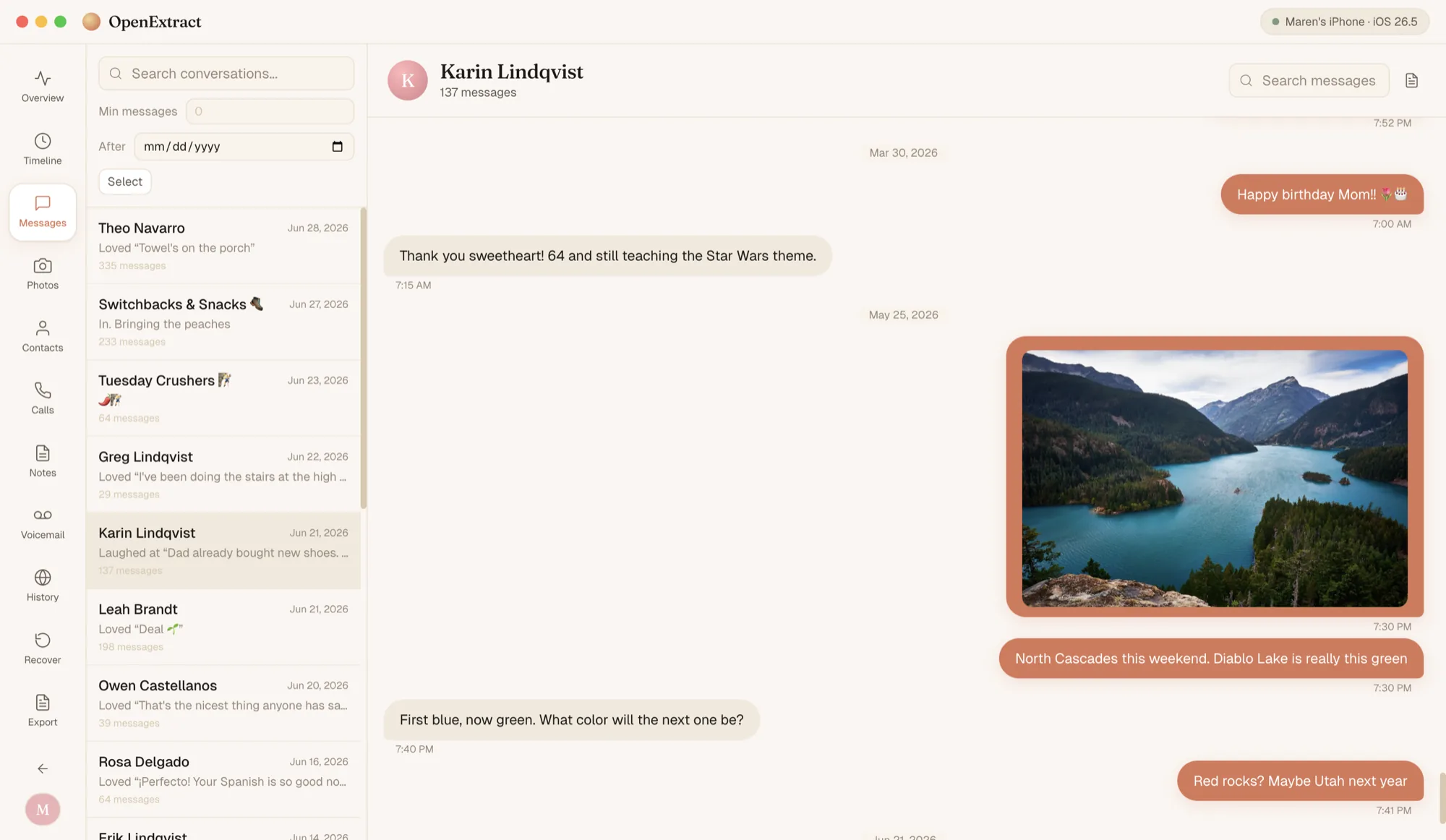
That's what OpenExtract is. Nothing else — no music sync, no app management, no live device browsing. Just: point it at a backup, get the data out.
Is iMazing free?
Partly. iMazing's trial mode has no time limit, and a few things are free for personal use: backing up a device, Quick Transfer and app management. Getting your data out is where the limits are. In trial mode iMazing transfers up to 25 messages, 50 photos, 10 contacts, 5 call-history entries, 5 notes and 1 voicemail. Past that you need a paid license, and since June 2025 iMazing sells only yearly subscriptions.
OpenExtract has no caps. Export every conversation, every photo and every voicemail in the backup, as often as you like.
Those limits come from iMazing's own trial FAQ and licensing policy, as of November 2026.