What it can't do
- Photos that are only in iCloud. With iCloud Photos on, and especially with Optimize iPhone Storage, many full-size photos aren't on the phone, so they aren't in its backup. OpenExtract says how many; download those from iCloud instead.
- The moving part of Live Photos. A Live Photo is saved as its still photo, without the short video.
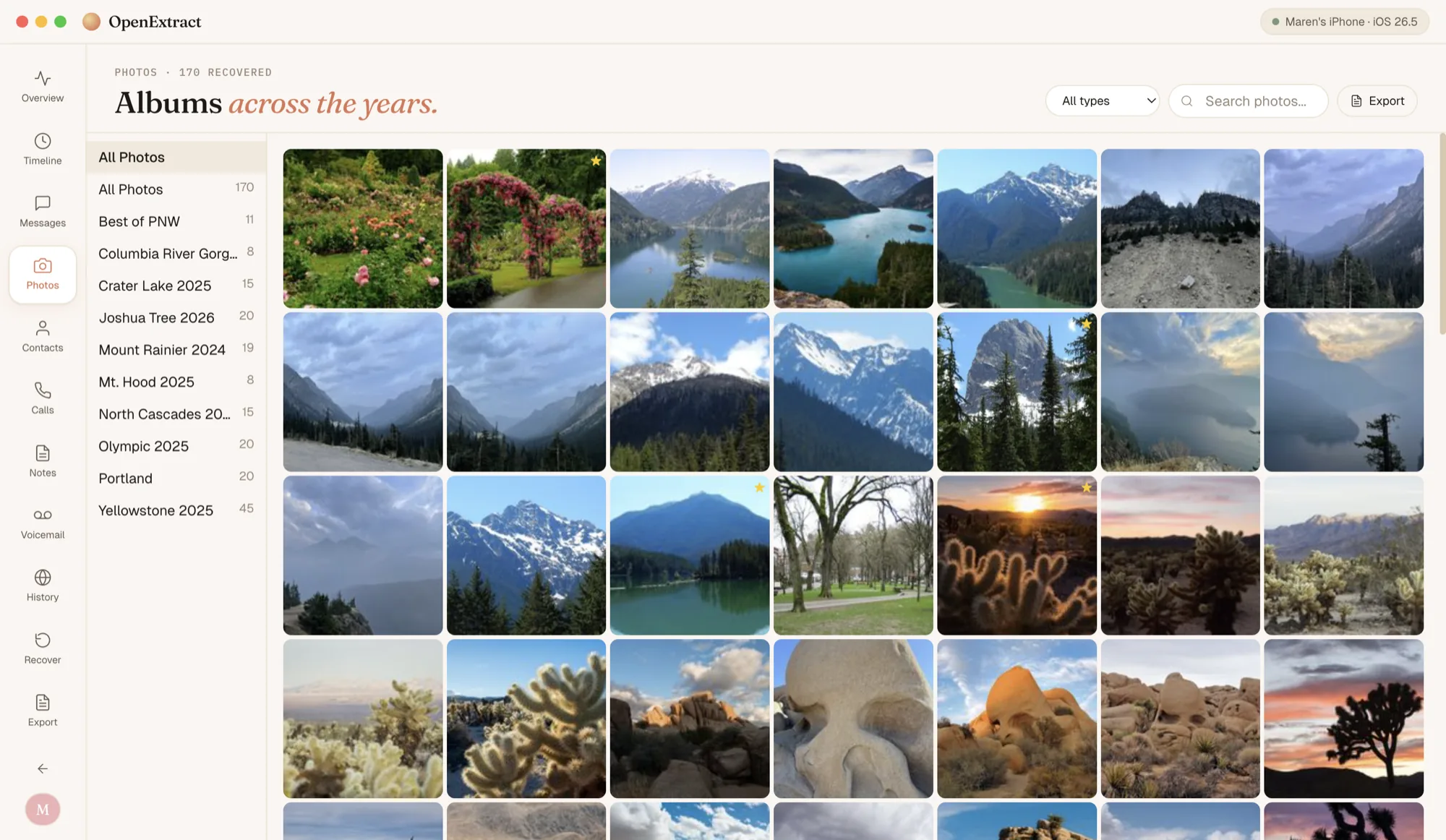
- One album at a time. You can browse albums, but Save all saves the whole backup.
- It only has what the backup has. Photos taken after the backup was made aren't in it. Make a new backup first if you want today's camera roll.
- No iCloud backups. It works from a backup on your computer, not from iCloud or an iCloud backup.
Common questions
Do I need an encrypted backup for photos? No. The camera roll is in ordinary backups as well as encrypted ones. If the backup is encrypted, OpenExtract asks for its password when you open it.
Why are some of my photos missing? With iCloud Photos on, and especially with Optimize iPhone Storage, many full-size photos live only in iCloud, so the iPhone's backup doesn't have them. OpenExtract counts only the photos that are in the backup and says how many more are only in iCloud. Those you download from iCloud instead.
Are the photos the original quality? Yes. OpenExtract copies the files as they are in the backup, so photos keep their format, resolution and EXIF details such as the camera and, where the phone recorded it, the place. HEIC photos stay HEIC.
Will the dates be right? Yes. The photos go into a folder for each month (for example 2025/07), and every saved file gets the date it was taken as its file date, so Finder, File Explorer and photo apps sort them in the order you took them.
Can I save one album? Not yet. You can browse each album in the app, but Save all saves every photo and video in the backup.
Does it work without iCloud? Yes. OpenExtract reads a backup saved on your own Mac or PC, so you don't need iCloud, an Apple ID sign-in or the phone itself once the backup exists. It can't read an iCloud backup.
Does anything get uploaded? No. OpenExtract reads the backup on your own computer and doesn't send it anywhere. It goes online only when you let it: to check for a new version, if you allow it (you can turn that off in Settings); to send a problem report or a thank-you, when you click Send; and on Windows, to install Apple's free Apple Devices app from Microsoft, if you ask it to, for backing up an iPhone. Nothing from inside your backup goes with any of them.
Is it really free? Yes. OpenExtract is open source under the MIT license, with no paid tier, no account and no strings attached. The code is on GitHub.